
Paste a link to your website —
Emailzavr does the rest
The system analyzes your website, finds companies, collects contacts, writes the emails and takes the conversation all the way to a lead.
from 5,000 ₽/mo · 1 ₽ per emailWhat happens after you paste the link
I have analyzed your website. I can see that you sell auto parts for commercial trucks.
Selling points: parts in stock, VIN-based matching, same-day shipping.
Shall I work out a launch strategy?
Database built: fleets, transport companies and service shops in your region.
Emails and three follow-ups are ready. Sending starts once you approve.
This is a demo. To analyze your website, open your account.
How a link turns into a lead
- Analysis
The system reads your website and understands what you sell and to whom.
- Database
Finds companies by niche and region, collects contacts, removes duplicates and junk.
- Emails
Writes a sequence for the collected database. Three follow-ups reach those who did not reply.
- Conversation
Handles replies, answers questions and brings the prospect to a qualified lead.
You see every step in your account and can step in at any moment. Sending starts only after your approval.
The product in action
Not mockups — real screens from the account.
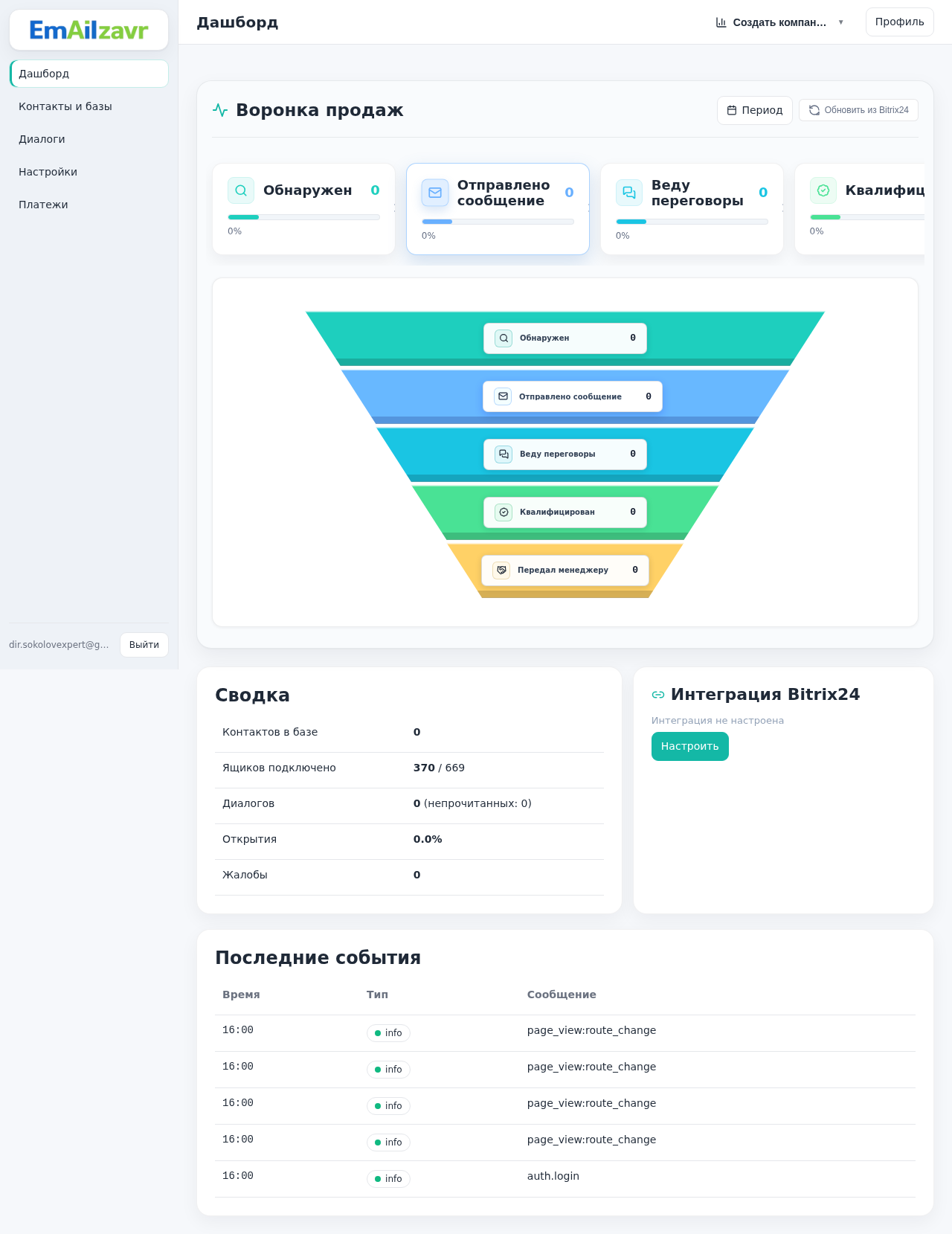
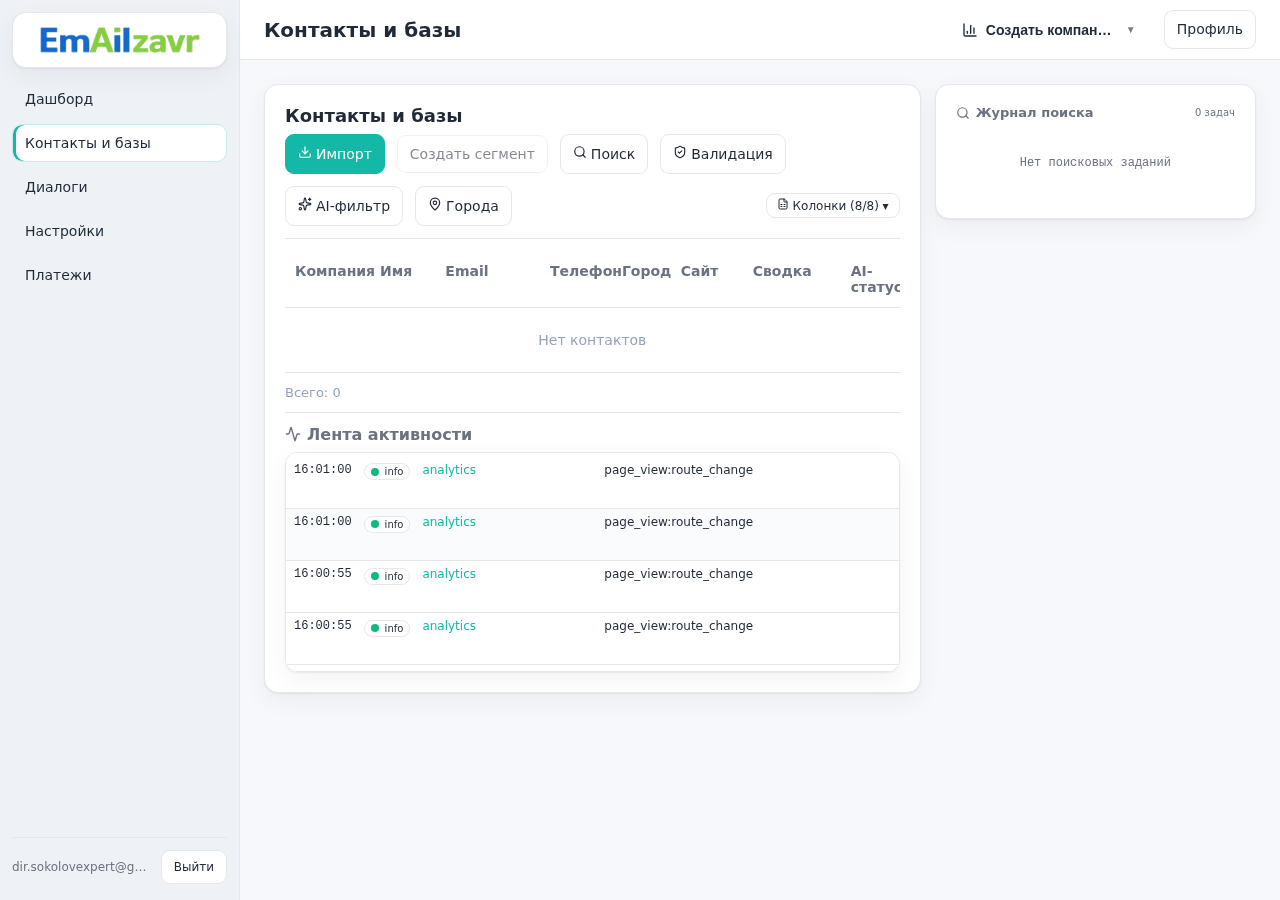
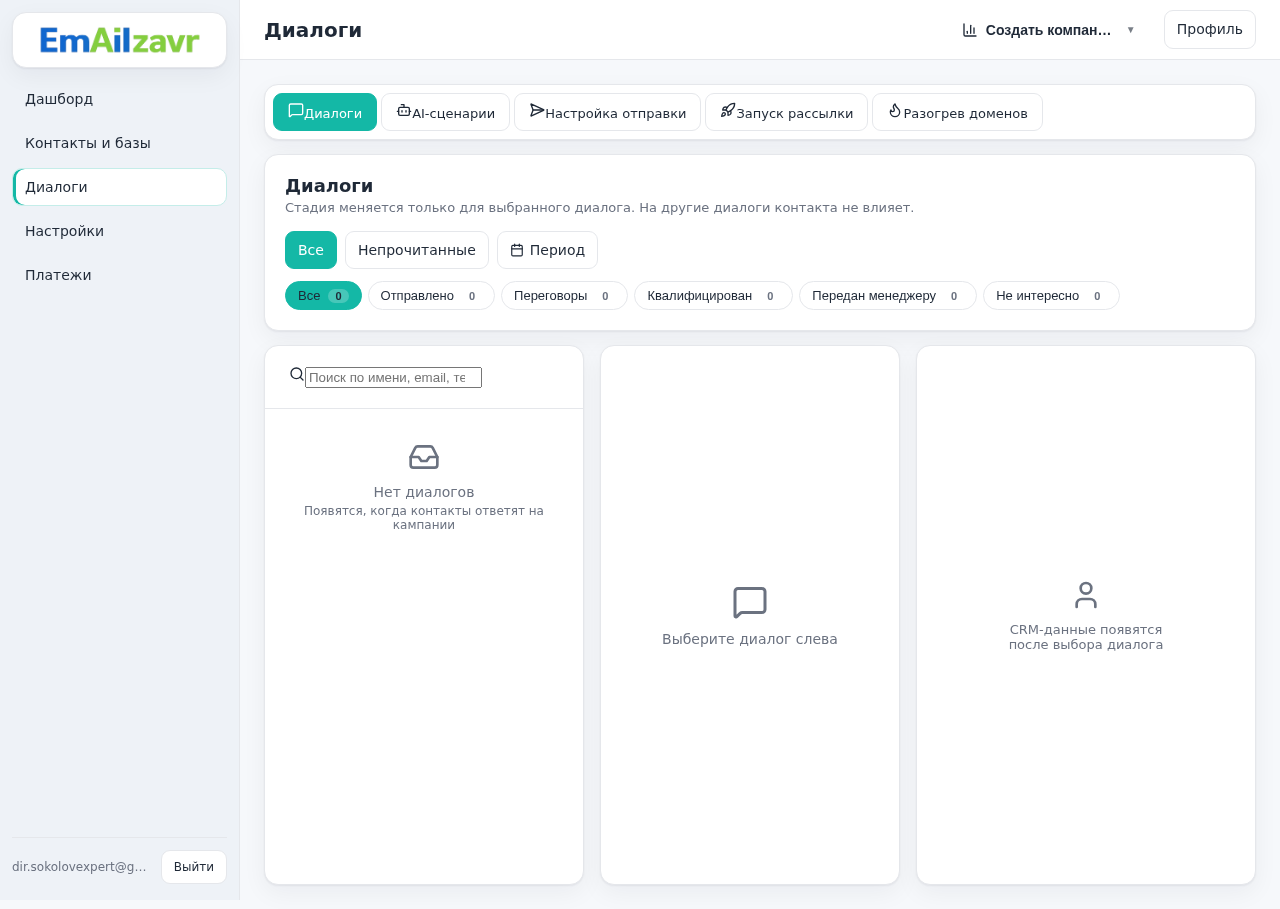
Emails that reach the inbox, not the spam folder
Sending volume ramps up gradually instead of a burst on day one.
From 1 domain and 3 mailboxes on Start to unlimited on Enterprise.
Volume is spread across working days: about 227 emails a day on Start.
You see the offer and the emails before the first one goes out.
Anyone who asks not to be contacted is removed from all sequences.
Inbox monitoring and dialogs are included in every plan at no extra cost.
Works with the tools you already use
 amoCRM
 Bitrix24
 Gmail
 Yandex 360
 Telegram
Pricing
1 ₽ per email on any plan. Pay for 3 months and save 30%, for 6 months and save 40%.
Start
5,000 ₽/mo
- 5,000 emails per month
- ≈227 emails per working day
- 1 domain · 3 mailboxes
- Dialogs and replies free
- 3 follow-ups per contact
Pro popular
15,000 ₽/mo
- 15,000 emails per month
- ≈682 emails per working day
- 3 domains · 10 mailboxes
- Priority support
- 3 follow-ups per contact
Business
30,000 ₽/mo
- 30,000 emails per month
- ≈1,364 emails per working day
- 10 domains · 30 mailboxes
- Priority support
- 3 follow-ups per contact
Enterprise
On request
- Unlimited emails
- Unlimited domains
- Dedicated manager
- Custom integration
FAQ
Isn’t this spam?
We contact companies with a business offer, every email has an unsubscribe link, and anyone who asks is removed from all sequences. Volume is spread across days and domains are warmed up gradually.
Where does the database come from?
The system searches for companies in your niche and region, collects public business contacts and removes duplicates and junk before sending.
How long does a launch take?
Website analysis and database building start as soon as you paste the link. Sending starts only after you approve the offer and the emails.
Do I need my own domain?
Yes, emails are sent from your domains and mailboxes, so they are tied to you, not to the service. Start includes 1 domain and 3 mailboxes.
What if nobody replies?
Dialogs and replies are visible in your account from day one. You can rewrite the offer and the sequence and relaunch without buying a new plan.
Can I take over a conversation?
Yes. You can take over any conversation in the “Dialogs” section at any time.